
System status
Choose DIMM orientation
Select First Camera
Alignment First Camera
Verification First Camera
Select Second Camera
Alignment Second Camera
Verification Second Camera
Here are a few system checks to ensure we can proceed with C-DIMM alignment:
- The Odin process (data acquisition) has to be stopped for the alignment process to access the cameras. If it is on, navigate to Services, and set "Activated" to false.
- There should be 3 Basler cameras detected (the 3rd one is the AllSky camera), if not, one of your cables might not be properly connected. Use the Diagnostics page to assess the situation.
- Check that the GPS coordinates show below (if your system is online) are correct
- Check that your system date and time are correct. If not, contact support.
During the whole process, you can use the Previous and Next buttons at the bottom to navigate between the different steps of the process, displayed at the top of the page
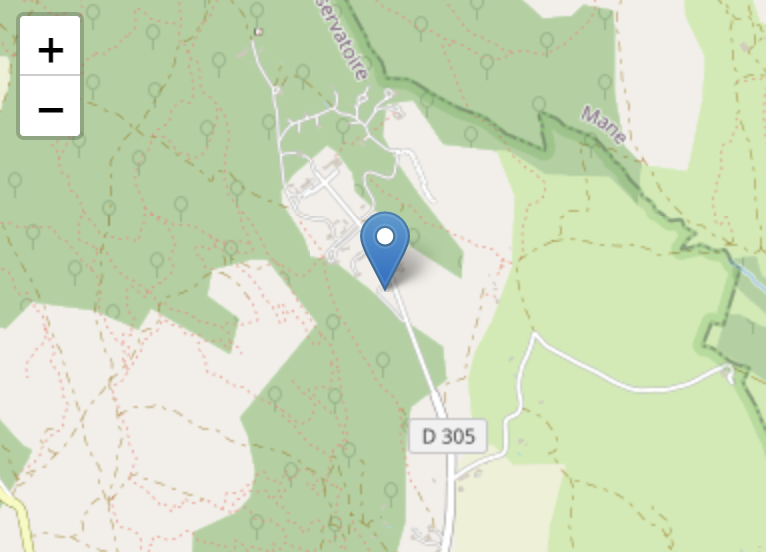
SkyMonitor Position
Using GPS coordinates : [43.9272251, 5.7161032]
Cameras detected
Yes (3)
Odin running
You will not be able to align the DIMM while it is on!
08:25
Wednesday 27, May 2026