
System status
Choose DIMM orientation
Select First Camera
Alignment First Camera
Verification First Camera
Select Second Camera
Alignment Second Camera
Verification Second Camera
Select the orientation of your C-DIMM based your installation.
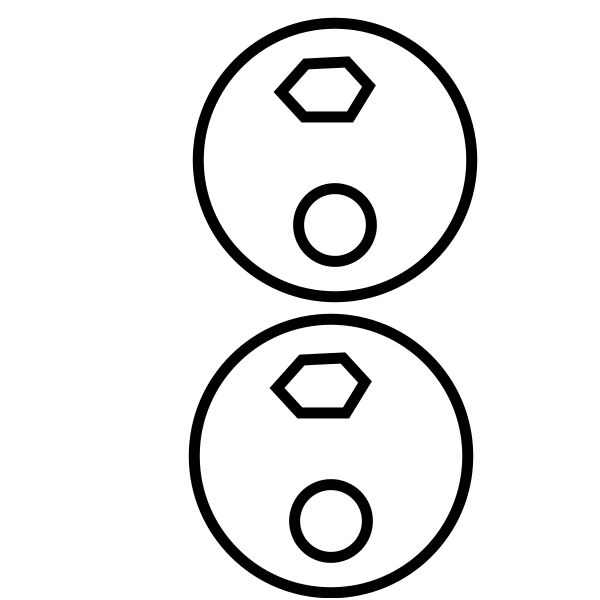
Down
The ethernet cable connects on the down side of the C-DIMM tubes.
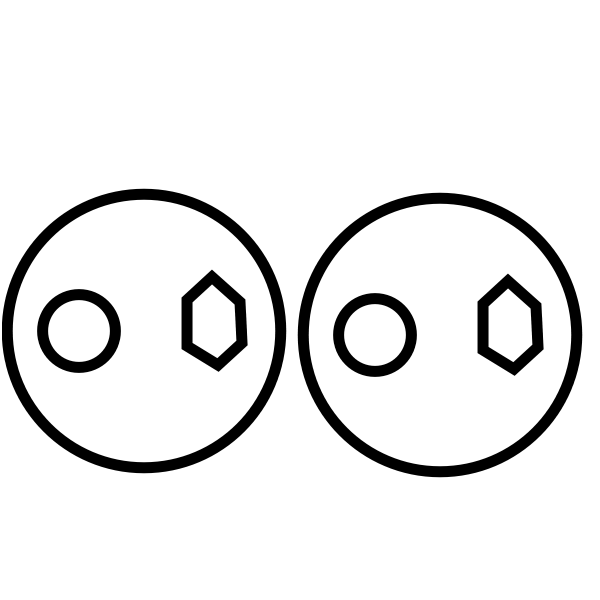
Left
The ethernet cable connects on the left side of the C-DIMM tubes.
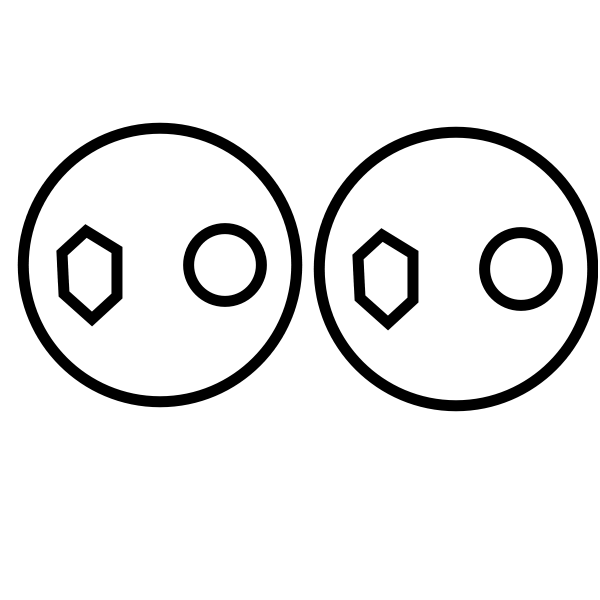
Right
The ethernet cable connects on the right side of the C-DIMM tubes.
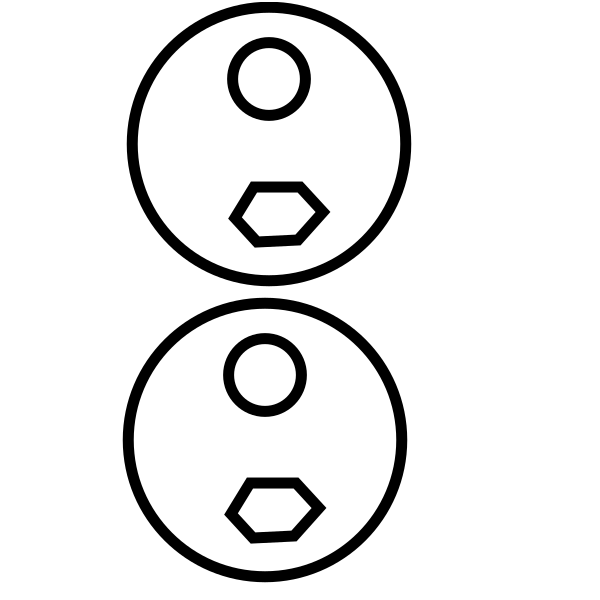
Up
The ethernet cable connects on the up side of the C-DIMM tubes.